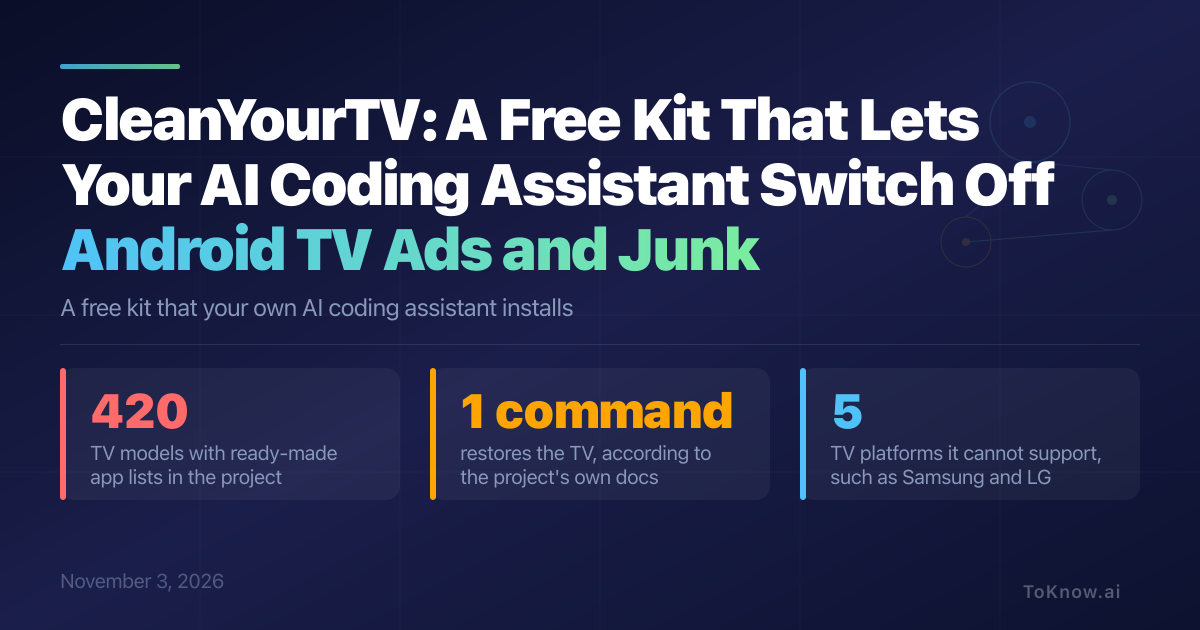
CleanYourTV is a free kit that debloats an Android TV or Google TV over Wi-Fi: it switches off the maker’s ads, tracking and pre-installed apps. It is for owners comfortable with a terminal. Their own coding agent, an AI assistant that runs commands, does the install. You switch on the TV’s USB debugging, a developer setting, then paste the project’s prompt into Claude Code, Codex or Gemini CLI. The agent backs up the TV, then uses ADB (Android Debug Bridge, a built-in tool for sending commands to the TV) to disable the junk, never uninstalling it. It builds an Apple TV-style home screen and checks each step with screenshots.
The junk differs by brand, so the agent reads your TV’s app list and asks before touching streaming apps. The project ships app lists for 420 TV models. Samsung, LG, Roku, Vizio and Hisense VIDAA TVs have no ADB and are not supported. Fire TV gets no new home screen, and YouTube ads stay. PCWorld calls Play Store launchers and privacy settings an easier, safer route.
The scripts refuse to disable Android’s core packages and record the TV’s state first, so one command restores the TV. The project says changing a TV’s software may affect its warranty, and a firmware update brings the apps back until its check tool reapplies the list. TechCrunch reports one user said Claude broke their TV. If a TV stops booting, the project says a factory reset, which erases your apps and accounts, usually fixes it.
Sources:
- CleanYourTV repository (GitHub)
- PROMPT.md, the prompt the coding agent follows (GitHub)
- People are using AI to make their smart TVs dumb again (TechCrunch)
- Please don’t use AI hacks to debloat your TV (PCWorld)
- CleanYourTV project explodes on GitHub as thousands hack their TVs back (Cybernews)
Disclaimer: For information only. Accuracy or completeness not guaranteed. Illegal use prohibited. Not professional advice or solicitation. Read more: /terms-of-service
Reuse
Citation
@misc{kabui2026,
  author = {{Kabui, Charles}},
  title = {CleanYourTV: {A} {Free} {Kit} {That} {Lets} {Your} {AI}
    {Coding} {Assistant} {Switch} {Off} {Android} {TV} {Ads} and {Junk}},
  date = {2026-11-03},
  url = {https://toknow.ai/posts/cleanyourtv-android-tv-debloat-coding-agent-installer/},
  langid = {en-GB}
}