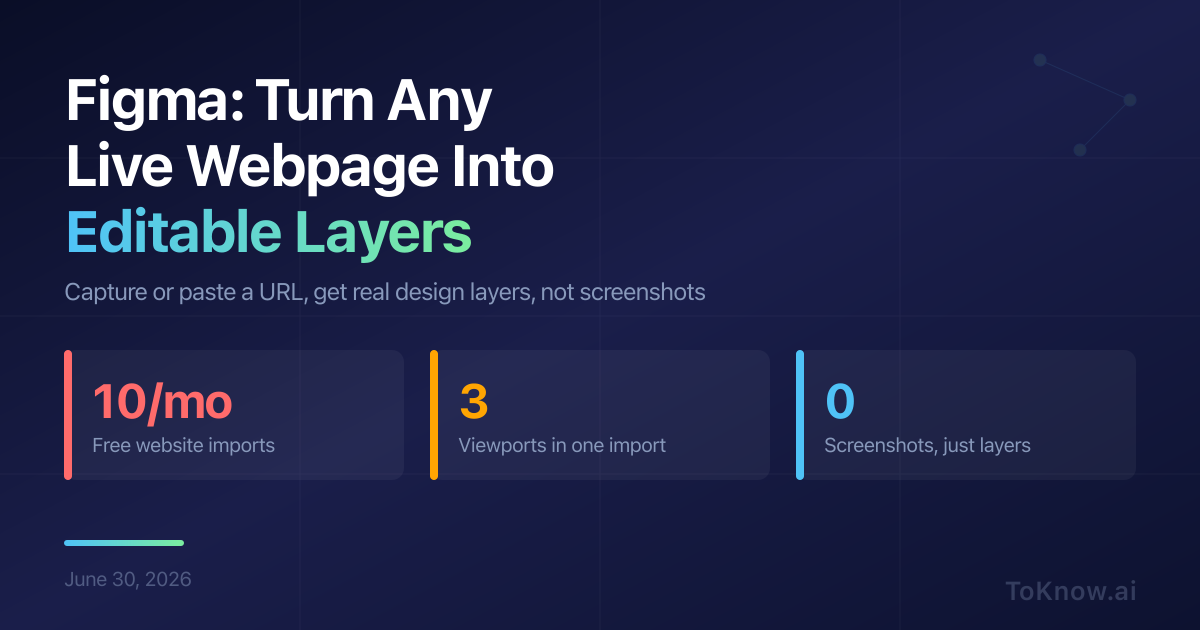
Figma now lets designers pull a live website into the editor as fully editable layers instead of a screenshot. Its official Chrome extension added a feature called “code to canvas”: open it on any page, click Capture page or Select element, then paste into Figma with Cmd+V. What you grab arrives as frames, text, images, and shapes you can move and restyle, and a full-page capture includes the parts scrolled out of view. The html.to.design plugin by div RIOTS does the same from a link: paste a URL, pick the screen sizes you want (mobile, tablet, desktop), and click import.
This removes the “rebuild this layout from scratch” step that used to start every redesign. You can pull a competitor’s pricing page into a moodboard without one screenshot, or use your own production site as the starting frame. html.to.design is free for up to 10 imports every 30 days, and a companion extension can capture pages behind a login. Figma’s native capture is in beta and limited to paid plans, but a captured page can be sent straight into Figma Make, its tool for turning a design into a working prototype.
The real limit here is legal, not technical. Importing someone else’s site copies their layout, words, and brand assets into your file, so these tools are safest on pages you own or for private study, not for shipping a look-alike. Captures also arrive as plain layers with no link to your design system, so cleanup is your job.
Sources:
- Turn webpages into editable design layers (Figma Learn)
- Figma Chrome extension (Chrome Web Store)
- Workflow lab: Code to canvas (Figma Learn)
- html.to.design by div RIOTS (Figma Community)
- html.to.design documentation
Disclaimer: For information only. Accuracy or completeness not guaranteed. Illegal use prohibited. Not professional advice or solicitation. Read more: /terms-of-service
Reuse
Citation
@misc{kabui2026,
  author = {{Kabui, Charles}},
  title = {Figma: {Turn} {Any} {Live} {Webpage} {Into} {Editable}
    {Design} {Layers}},
  date = {2026-06-30},
  url = {https://toknow.ai/posts/figma-capture-webpage-editable-design-layers/},
  langid = {en-GB}
}