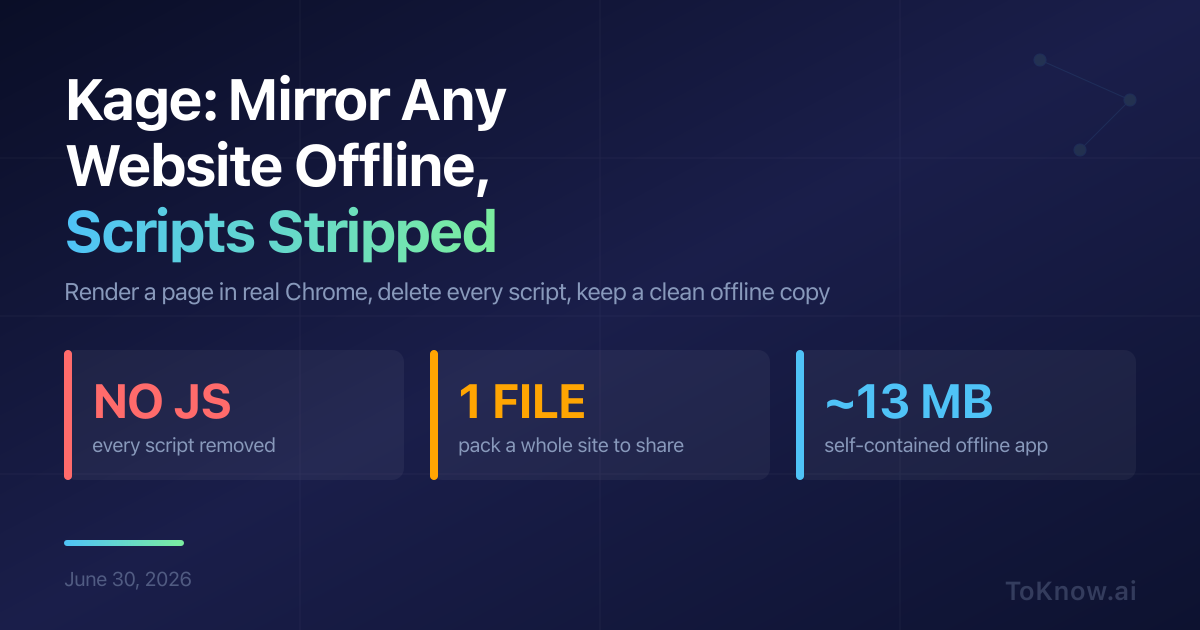
Tam Nguyen Duc released kage, a free, open-source command-line tool that saves any public website for offline reading with every script stripped out. A plain “Save As” grabs a blank shell, because modern pages are built by JavaScript in the browser. kage takes the other road: it opens each page in real headless Chrome, a browser with no visible window, lets it finish loading, then snapshots the result. It then strips out everything executable: every <script> tag, inline event handler, and javascript: link, and saves the CSS, images, and fonts locally. What lands on disk looks like the live site but runs no code and makes no network calls.
The payoff is a copy that is truly yours: no trackers, readable offline, and still there after the original changes or vanishes. A polite crawl follows the site’s robots.txt and sitemap, so one command mirrors a whole site, and another packs it into one file. That file is either a ZIM archive, the open format the offline-Wikipedia project Kiwix uses, or a roughly 13 MB program that serves the site on its own.
tamnd/kage only saves public pages, so it suits personal archiving, not lifting paywalled articles or republishing others’ work.
Read More: ASCILINE, a video stream that is secretly just text.
Sources:
- kage on GitHub
- How kage works: render, strip, localise (docs)
- Packing a mirror into one file (docs)
- Show HN: Kage, shadow any website for offline viewing
- kage releases and prebuilt binaries
Disclaimer: For information only. Accuracy or completeness not guaranteed. Illegal use prohibited. Not professional advice or solicitation. Read more: /terms-of-service
Reuse
Citation
@misc{kabui2026,
  author = {{Kabui, Charles}},
  title = {Kage: {Mirror} {Any} {Website} for {Offline} {Reading,}
    {With} the {JavaScript} {Stripped} {Out}},
  date = {2026-06-30},
  url = {https://toknow.ai/posts/kage-mirror-website-offline-no-javascript/},
  langid = {en-GB}
}