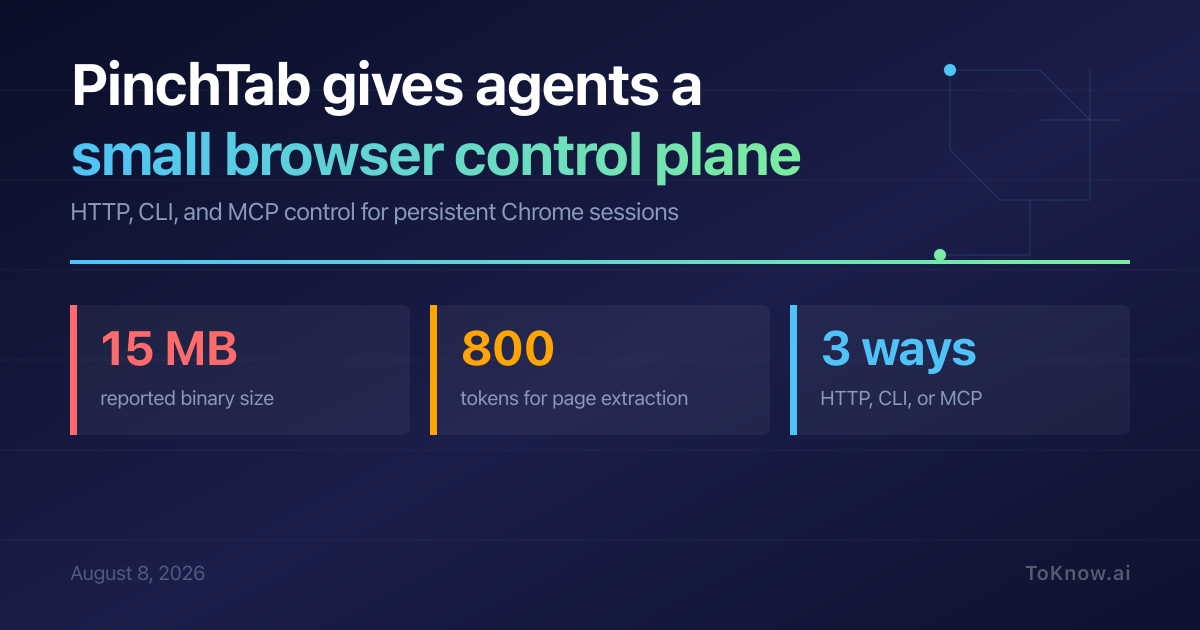
PinchTab is a standalone Go server for agents that need to use Chrome without being tied to a browser-automation SDK. An agent can send HTTP requests, use the CLI, or connect through MCP, then inspect page text, accessibility snapshots, screenshots, and changes. Stable accessibility references give actions names that survive ordinary page movement better than screen coordinates. The server supports headed and headless profiles, persistent sessions, multiple browser instances, and audits. Its README reports a roughly 15 MB self-contained binary and page extraction around 800 tokens, advertised as 5 to 13 times cheaper than screenshot-based interaction. Those figures are project-reported measurements, not an independent benchmark.
That small boundary is useful for teams building agents in different languages. A Python worker, a Rust service, and a desktop assistant can share a logged-in browser through the same HTTP interface, while persistent profiles avoid signing in for every task. The trade-off is authority: PinchTab can read pages and operate a real browser. It binds to loopback and limits browsing to local sites by default, while public browsing and remote access require deliberate security changes. Authentication, network exposure, stored sessions, and the optional CloakBrowser stealth path deserve review before this becomes shared infrastructure.
PinchTab points toward a simpler agent stack, but simplicity at the API boundary does not make browser control low-risk. The useful question is not whether an agent can click, but which identities, cookies, and networks that click can reach.
Sources:
Disclaimer: For information only. Accuracy or completeness not guaranteed. Illegal use prohibited. Not professional advice or solicitation. Read more: /terms-of-service
Reuse
Citation
@misc{kabui2026,
  author = {{Kabui, Charles}},
  title = {PinchTab: {A} {Small} {HTTP} {Control} {Plane} for {Browser}
    {Agents}},
  date = {2026-08-08},
  url = {https://toknow.ai/posts/pinchtab-browser-control-plane/},
  langid = {en-GB}
}