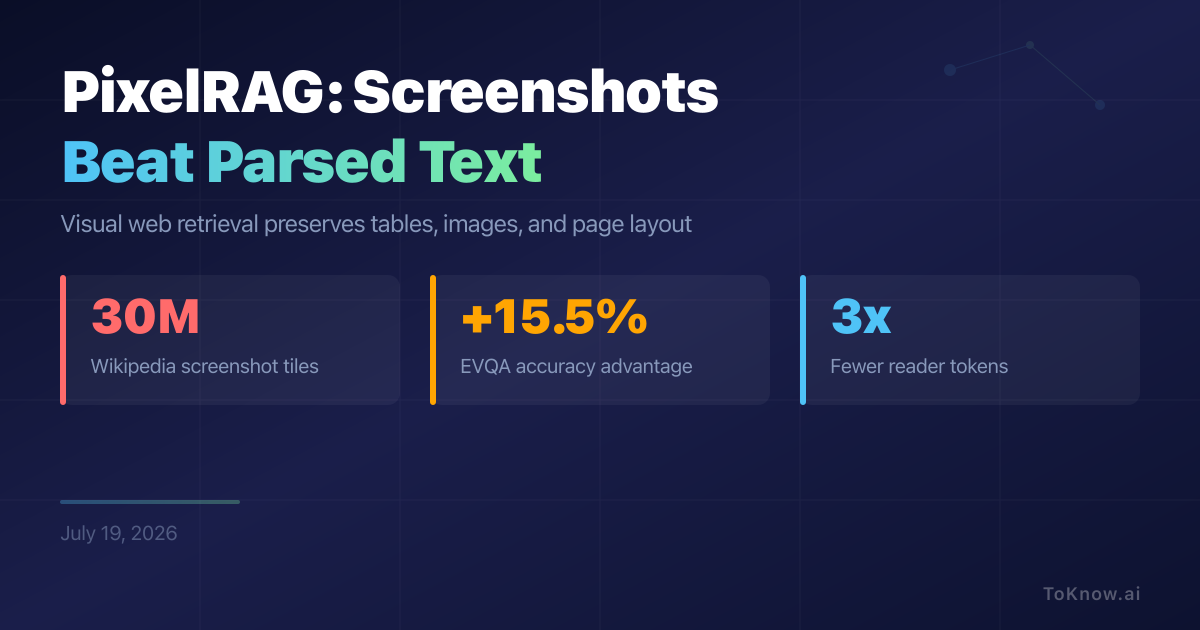
PixelRAG searches web pages as images instead of flattening them into text. Researchers rendered 7,134,778 Wikipedia articles into roughly 30 million 875 x 1024 screenshot tiles. Qwen3-VL-Embedding-2B retrieves three tiles, then Qwen3.5-4B reads them. Against the strongest Trafilatura text baseline, PixelRAG scored 58.7 versus 55.9 on Natural Questions, 48.8 versus 42.5 on table questions, 78.8 versus 71.6 on SimpleQA, 45.1 versus 29.6 on EVQA, and 70.0 versus 59.0 on LiveVQA. It won all six tests. Its biggest absolute advantage was 15.5% on EVQA, where questions combine images and outside knowledge.
This helps when an answer depends on where something appears. A parser can separate a label from its value, detach an image from its caption, or flatten a table. PixelRAG keeps that layout. Lower-resolution screenshots also cut the reader’s token use by up to 3x with little accuracy loss. The cost moves elsewhere: the paper’s Wikipedia screenshots occupy 5.6 TB, although its single-vector search index is about 120 GB. Hyperlinks also stop being clickable unless the system stores them separately.
The team released Apache 2.0 code, downloadable indexes, and a hosted search API covering 8.28 million pages. The scores remain author-reported. Its evaluation guide says the released setup reproduces pixel results within about 1% on an H100, but Natural Questions and its table variant use GPT-4.1 as a semantic judge. No independent benchmark reproduction surfaced in this review. Pixel retrieval is a strong option for visually structured pages, not a universal replacement for text.
Read More: MinerU2.5-Pro Improves Document Parsing by Fixing the Data
Sources:
- PixelRAG paper
- PixelRAG code and setup
- PixelRAG evaluation and reproduction guide
- Released FAISS indexes
- PixelRAG API reference
Disclaimer: For information only. Accuracy or completeness not guaranteed. Illegal use prohibited. Not professional advice or solicitation. Read more: /terms-of-service
Reuse
Citation
@misc{kabui2026,
  author = {{Kabui, Charles}},
  title = {PixelRAG: {Web} {Screenshots} {Beat} {Parsed} {Text} {Across}
    {Six} {Tests}},
  date = {2026-07-19},
  url = {https://toknow.ai/posts/pixelrag-web-screenshots-retrieval/},
  langid = {en-GB}
}