WordCraft is a free word processor for Windows, macOS, Linux and the browser that opens and saves the .docx files Word produces. It comes from the team behind VectorCraft, a free rebuild of Illustrator, is written from scratch in Rust, a programming language built for speed, using published file formats, and shipped installers in October. Office Watch tried the Windows builds on its own Microsoft 365 documents and reported that, apart from some spreadsheet functions, every .docx, .xlsx and .pptx file it opened edited without trouble.
The same team’s other apps cover the other formats. GridCraft reads and writes .xlsx with pivot tables, seventeen chart types and more than 500 worksheet functions, DeckCraft handles .pptx, and CADCraft reads and writes AutoCAD’s DXF drawing files and opens its DWG files. None of them needs an account or a subscription. Every button is also a command with an id, so an AI agent can fill a template one command at a time, then read the document back as JSON, a structured text format, to check its own work instead of taking screenshots.
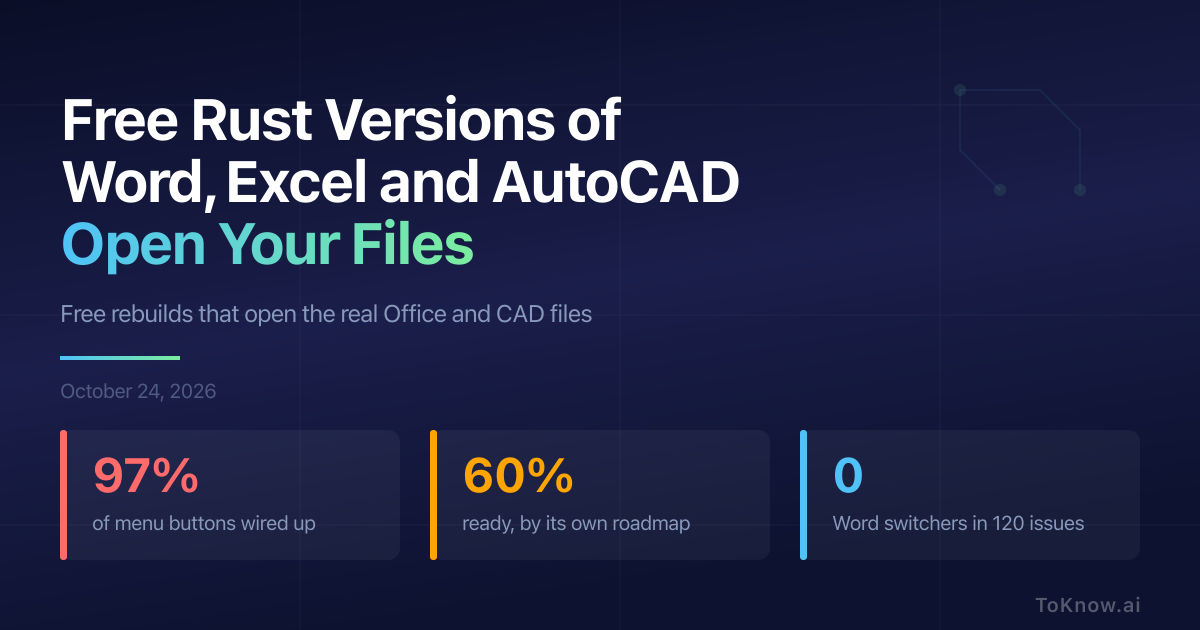
WordCraft’s roadmap wires a command to 493 of the 508 menu and toolbar buttons (97%), and still rates the app about 60% ready for real work. Getting to beta is estimated at 150 to 230 hours of work by an AI coding agent, Claude Opus 5.5. Of 120 issues filed by people outside the project, none came from someone who had replaced Word.
Sources:
- WordCraft on GitHub
- WordCraft roadmap: command coverage, readiness and agent hours
- Office Watch: can the free Office clones replace Microsoft 365?
- GridCraft on GitHub
- CADCraft roadmap
Disclaimer: For information only. Accuracy or completeness not guaranteed. Illegal use prohibited. Not professional advice or solicitation. Read more: /terms-of-service
Reuse
Citation
@misc{kabui2026,
  author = {{Kabui, Charles}},
  title = {Free {Rust} {Versions} of {Word,} {Excel} and {AutoCAD}
    {Open} {Your} {Files}},
  date = {2026-10-24},
  url = {https://toknow.ai/posts/wordcraft-gridcraft-deckcraft-cadcraft-rust-office/},
  langid = {en-GB}
}