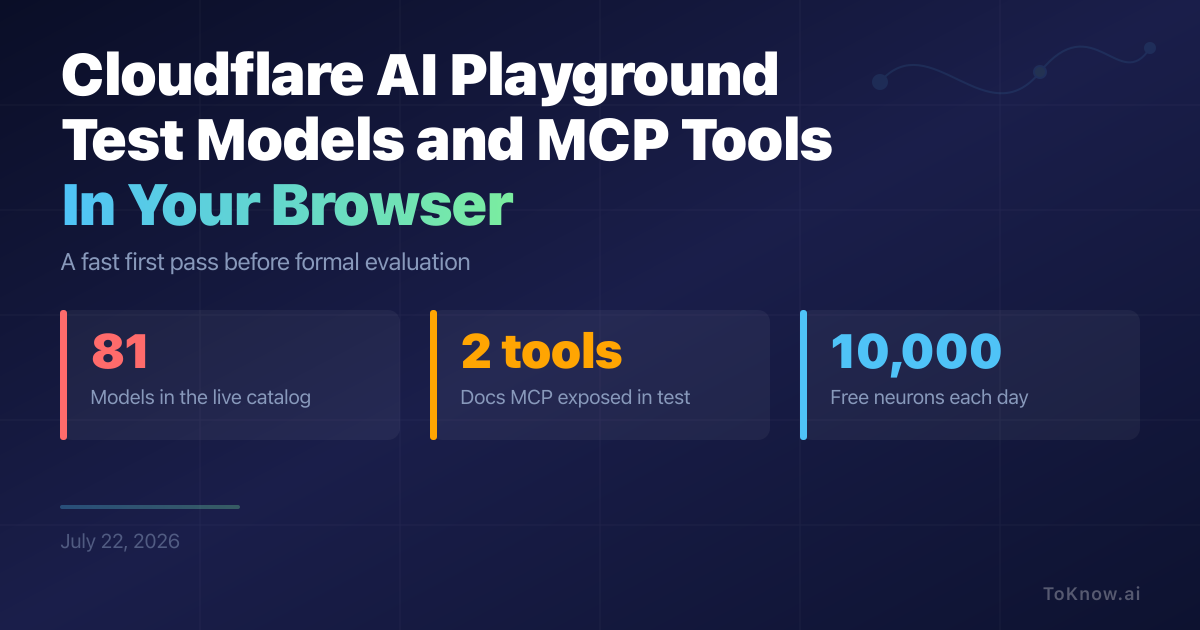
Cloudflare’s AI Playground makes first-pass model and tool testing quick. In a July 22 test, the live catalog listed 81 Workers AI models and defaulted to Kimi K2.7 Code. The browser interface offered model selection, system instructions, temperature, generated interfaces, custom MCP headers, and code export. Connecting Cloudflare’s documentation MCP server worked without a local installation: the Playground found two tools, marked the server ready, and let the model call its documentation search. The code view then produced a TypeScript starter using the selected model, instructions, temperature, and conversation. That is the product’s strength. A developer can check a prompt, inspect a tool connection, and get starter code before building an application.
Its limits are mostly about scope. The interface exposed no seed, repeated-run, batch, judge, or saved-evaluation controls, so side-by-side outputs are useful demonstrations, not reproducible benchmarks. During testing, the model hit a rate limit after calling the MCP tool, and the exported code omitted the MCP connection and tool calls. The export is therefore a starting point, not an exact replay. Cloudflare also labels output unverified and notes that model licences differ. Remote tools deserve care because they receive arguments and may access accounts, so Cloudflare recommends narrowly scoped permissions. Workers AI includes 10,000 free neurons per day, then charges $0.011 per 1,000 neurons, with default text generation limited to 300 requests per minute. Use the Playground to shortlist configurations, then evaluate the finalists with repeatable tests.
Sources:
- Cloudflare AI Playground
- Workers AI model catalog
- Cloudflare MCP guidance
- Workers AI pricing
- Workers AI limits
Disclaimer: For information only. Accuracy or completeness not guaranteed. Illegal use prohibited. Not professional advice or solicitation. Read more: /terms-of-service
Reuse
Citation
@misc{kabui2026,
  author = {{Kabui, Charles}},
  title = {Cloudflare {AI} {Playground:} {Test} {Models} and {MCP}
    {Tools} in {Your} {Browser}},
  date = {2026-07-22},
  url = {https://toknow.ai/posts/cloudflare-ai-playground-model-mcp-testing-not-benchmark/},
  langid = {en-GB}
}