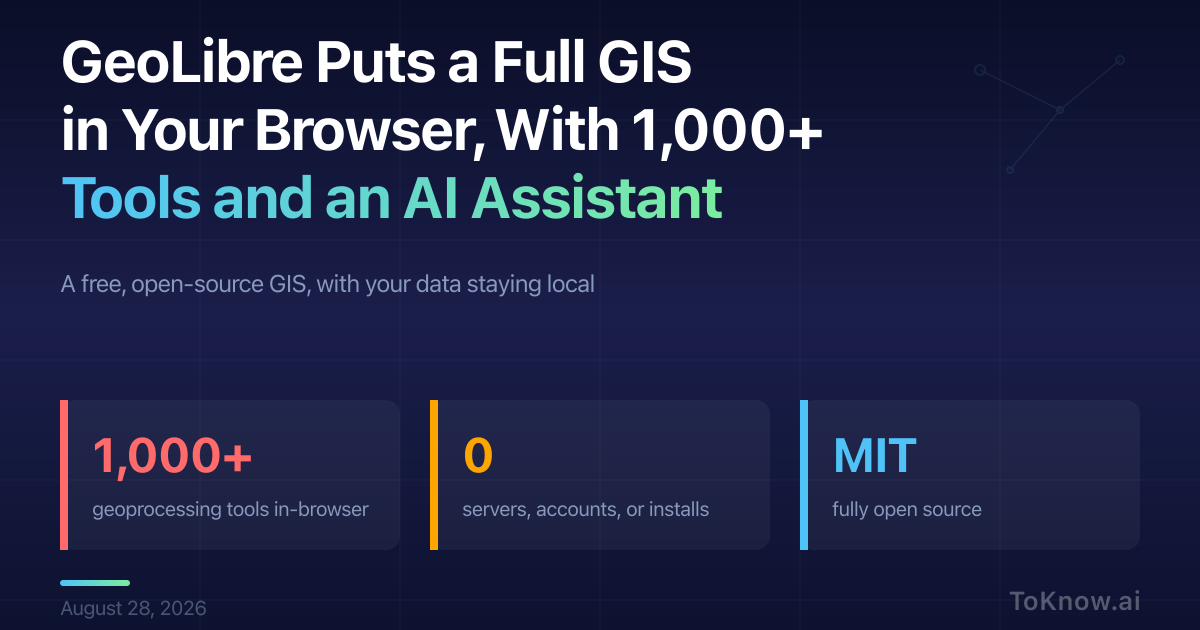
GeoLibre is a free, open-source GIS (geographic information systems) that runs entirely in the browser. Open web.geolibre.app, load a file, and the analysis happens on your own machine: more than 1,000 geoprocessing tools from the Whitebox toolbox execute in the page on WebAssembly, and a SQL Workspace runs DuckDB Spatial SQL over GeoJSON, GeoParquet, GeoPackage, and cloud-optimized rasters. There is no server, account, or install, and your data leaves your device only when you add a remote layer or share a project. The same workspace ships as a desktop app, Android and iOS apps, and a Python package for Jupyter. It is MIT-licensed and currently at version 2.8.0.
The AI Assistant is a “chat with your data” panel that turns plain English into real GIS operations. Ask it to buffer the roads by 100 meters and clip to the county line, and it writes and runs read-only Spatial SQL, chains the steps, and adds the result as a layer. It can apply color ramps, pull a Sentinel-2 scene from Microsoft’s Planetary Computer, or switch the basemap. You bring your own key for Google Gemini, Anthropic, OpenAI, or a local Ollama install; the app sends only layer and field names plus the current view to the model, never your feature data. For anyone used to installing QGIS and a Python stack, this collapses the setup to a URL.
GeoLibre is part of desktop GIS moving into the browser, now that the engines run there: Whitebox on WebAssembly, DuckDB-WASM for spatial SQL. The assistant is the layer that makes a 1,000-tool toolbox usable without a manual.
Read More: see how OlmoEarth runs the same geospatial ideas at continent scale.
Sources:
- GeoLibre, a cloud-native GIS platform (official site)
- Launch GeoLibre Web
- GeoLibre on GitHub (MIT license)
- GeoLibre AI Assistant user guide
- GeoLibre 2.0.0 released (Spatialists)
Disclaimer: For information only. Accuracy or completeness not guaranteed. Illegal use prohibited. Not professional advice or solicitation. Read more: /terms-of-service
Reuse
Citation
@misc{kabui2026,
  author = {{Kabui, Charles}},
  title = {GeoLibre {Puts} a {Full} {GIS} in {Your} {Browser,} {With}
    1,000+ {Tools} and an {AI} {Assistant}},
  date = {2026-08-28},
  url = {https://toknow.ai/posts/geolibre-browser-gis-ai-assistant/},
  langid = {en-GB}
}