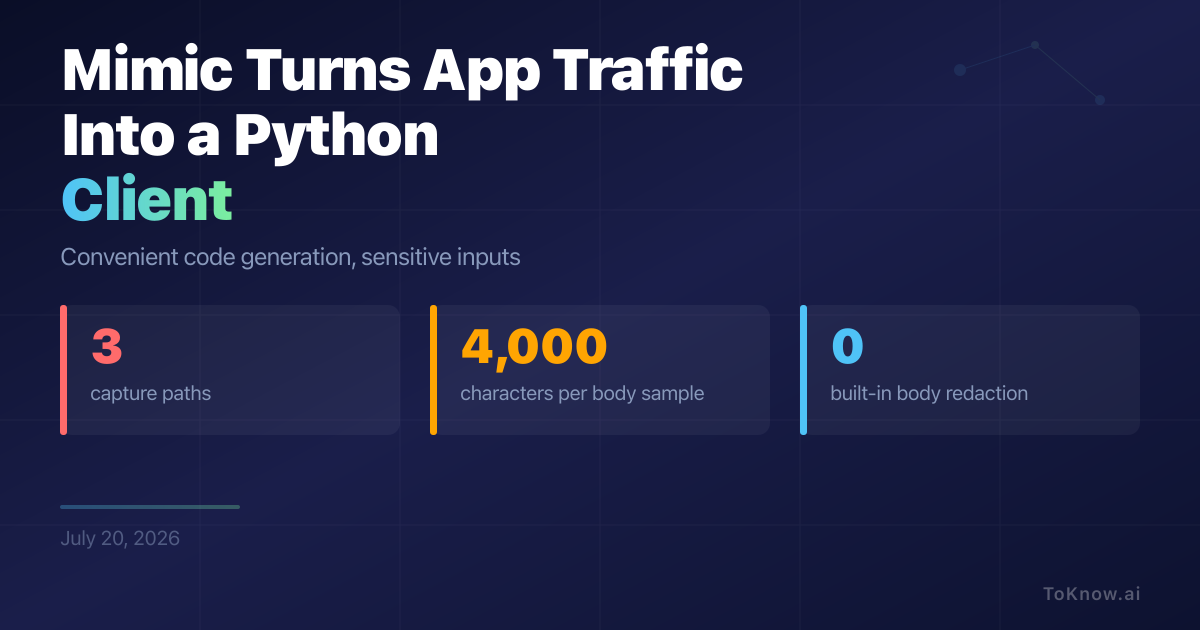
Mimic 0.1.0 turns traffic from an app you control into an editable Python client. It accepts three capture paths: an iPhone session through mitmproxy, a browser HAR file, or pasted cURL. Claude CLI or OpenCode then infers named methods and multi-call flows. The runtime reuses bearer tokens, cookies, and device headers, and retries one failed 401 request only when the HTTP method is safe to repeat or the user opts in. The code-generation step does not include those headers in its prompt, but it does include query strings and up to 4,000 characters from each captured request and response body, with no built-in redaction. That can expose messages, identifiers, or other private fields to the selected model.
For a developer testing their own app, this removes the manual work of translating opaque network calls while leaving a plain, requests-based file to inspect and change. The shortcut has sharp limits. Chrome’s sanitized HAR export removes Cookie, Set-Cookie, and Authorization headers, so Mimic may need the sensitive export to recover a session. mitmproxy requires a trusted local certificate authority, and pinned apps reject that certificate unless the app is modified. DPoP blocks simple replay by requiring each request to carry a fresh proof signed by the client’s private key. Use Mimic only with systems and accounts you are authorized to test, review every generated method, remove the interception certificate afterward, and treat captures as credentials.
Sources:
- Mimic documentation
- Mimic code-generation source
- Chrome DevTools HAR documentation
- mitmproxy certificate documentation
- RFC 9449: OAuth 2.0 DPoP
Disclaimer: For information only. Accuracy or completeness not guaranteed. Illegal use prohibited. Not professional advice or solicitation. Read more: /terms-of-service
Reuse
Citation
@misc{kabui2026,
  author = {{Kabui, Charles}},
  title = {Mimic {Turns} {Captured} {App} {Traffic} {Into} a {Python}
    {Client}},
  date = {2026-07-20},
  url = {https://toknow.ai/posts/mimic-captured-app-traffic-python-client/},
  langid = {en-GB}
}